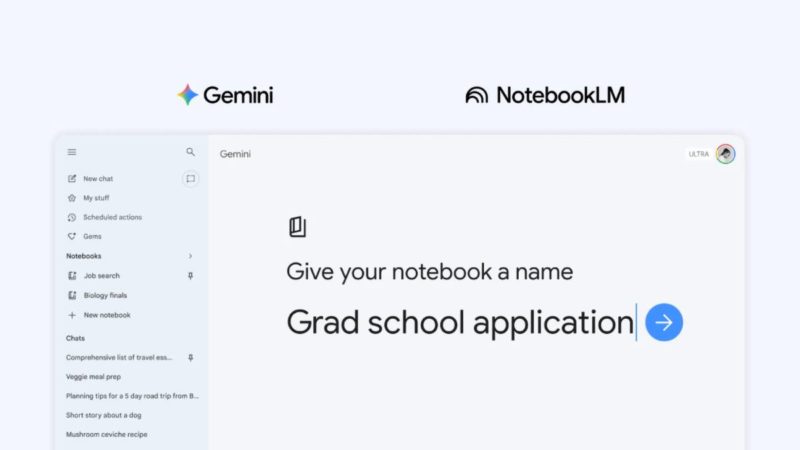
Last year, Google added NotebookLM as a data source for the Gemini application. Now, Gemini further enhances this integration with the two products by introducing a new “Notebook” feature.
The notebook feature provides a dedicated space within Gemini for users to organize AI conversations and files, especially for managing conversations on the same topic. Simply click “Add to notebook” in the Gemini menu to move past conversations to a designated notebook and add related files (such as documents and PDFs) to provide more context.
When you organize your selected data into a notebook, Gemini leverages its powerful capabilities to combine this content with web searches, providing more targeted and practical responses.
Because notebooks sync between Gemini and NotebookLM, data added on either device will appear simultaneously on the other, allowing you to fully utilize the features of both applications. Google is using students as an example. They can add class notes to a notebook and generate a video summary in NotebookLM; the next day, they can open Gemini and ask it to write a draft report based on the same content.
Google says that notebooks can be thought of as a personal knowledge base spanning Google products, starting with Gemini.
The notebook feature rolls out in the Gemini app this week, initially available to web users with paid subscriptions to Google AI Ultra, Google AI Pro, and Google AI Plus. In the coming weeks, it will expand to mobile devices, more regions in Europe, and free Gemini users.
About The Author